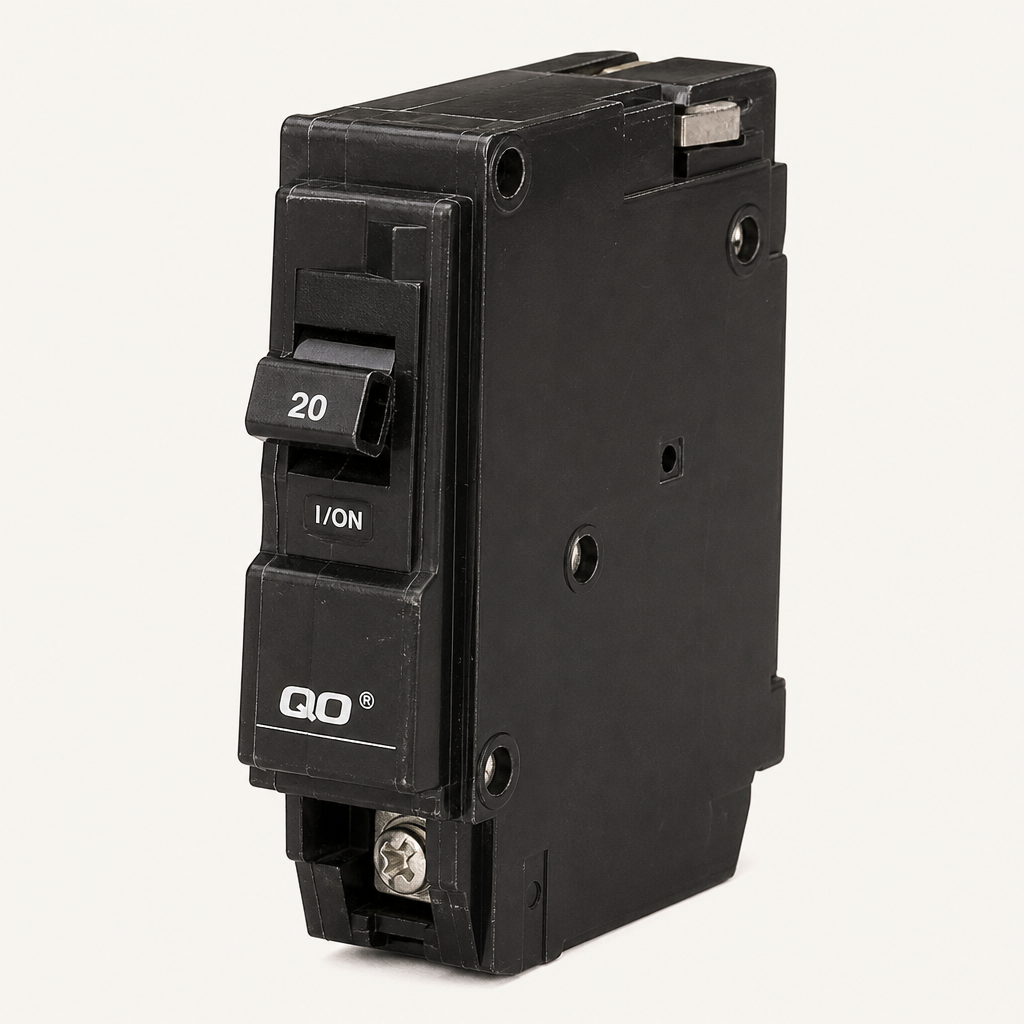
QO 20A 1-pole
Square D · QO120
High
Get the commerce-ready file in one click.
Dashboard
Catalog
47
47 of 120 products ready
Review
6
needs a look
Catalog progress
89%
107/120
QO 20A 1-pole circuit breaker
Square D
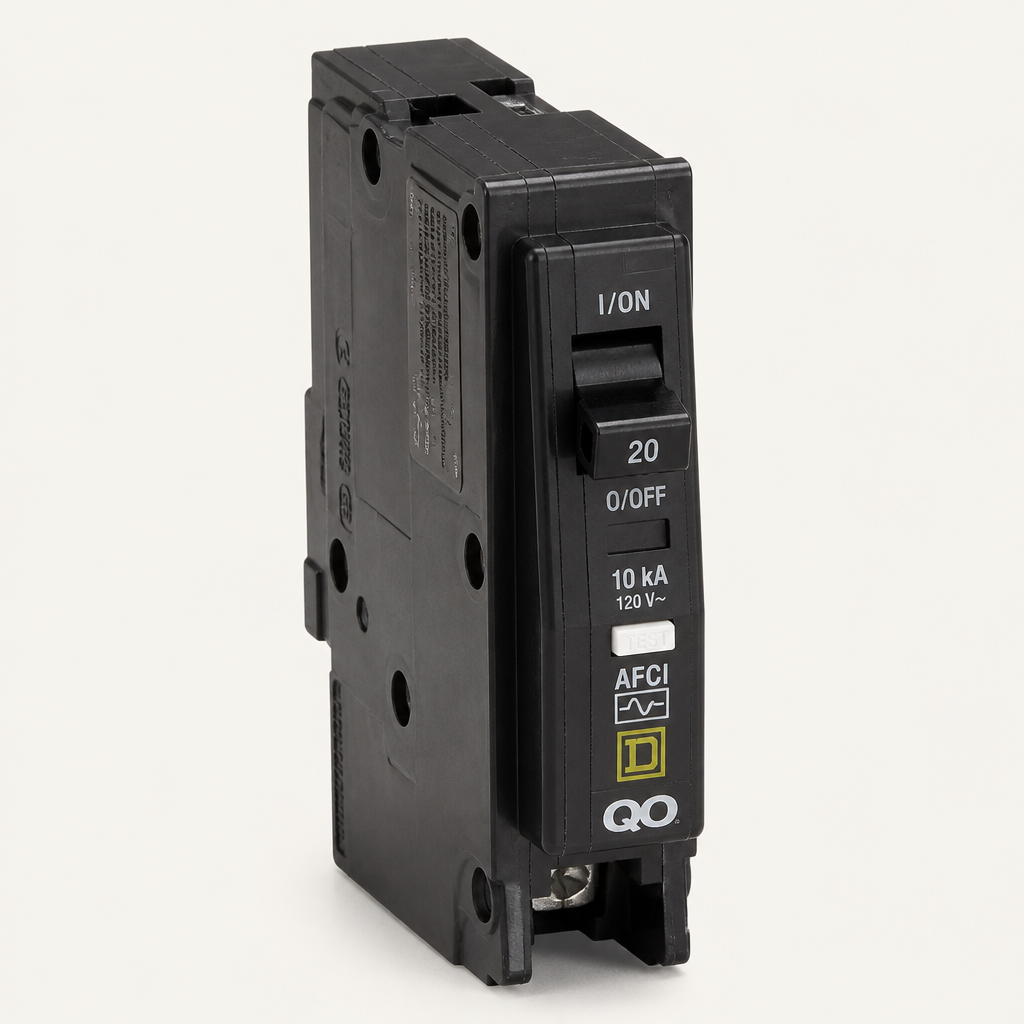
QO 20A combination AFCI
Square D
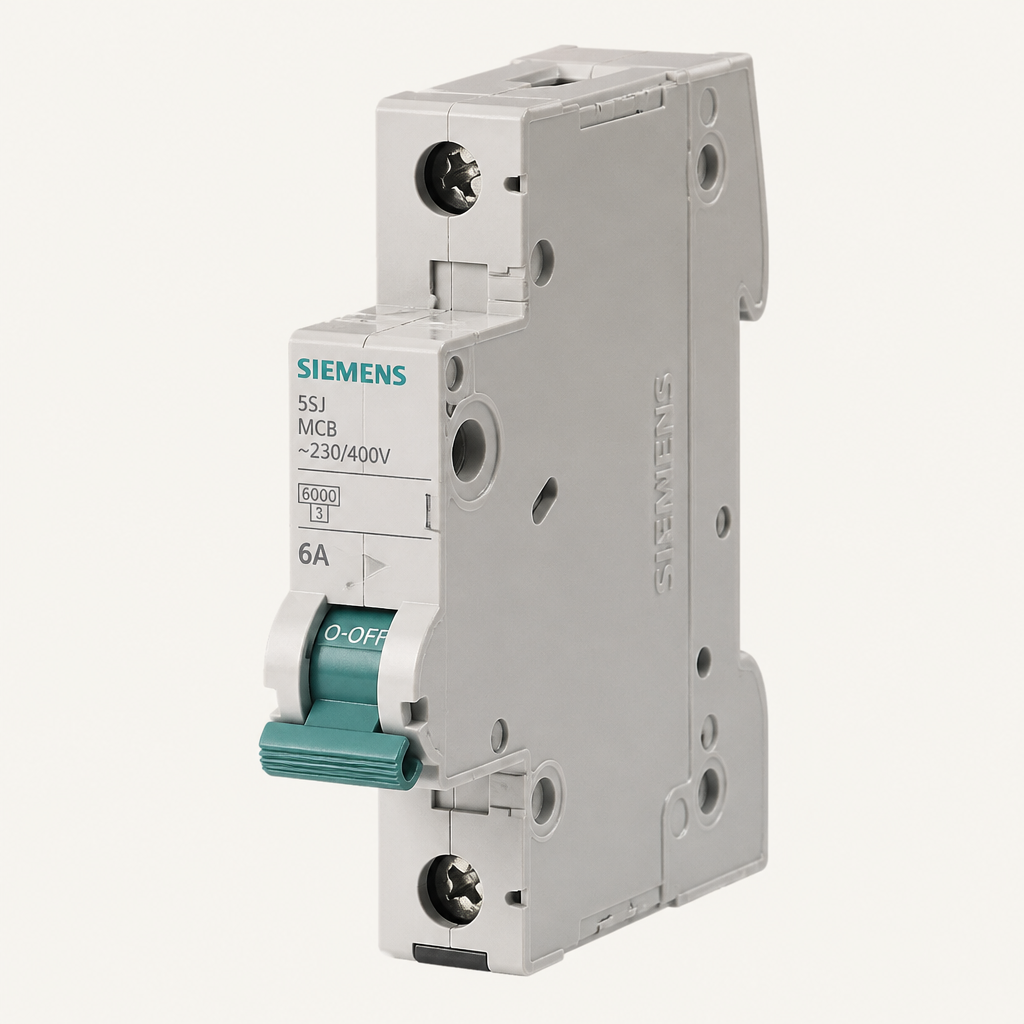
5SJ 6A miniature circuit breaker
Siemens
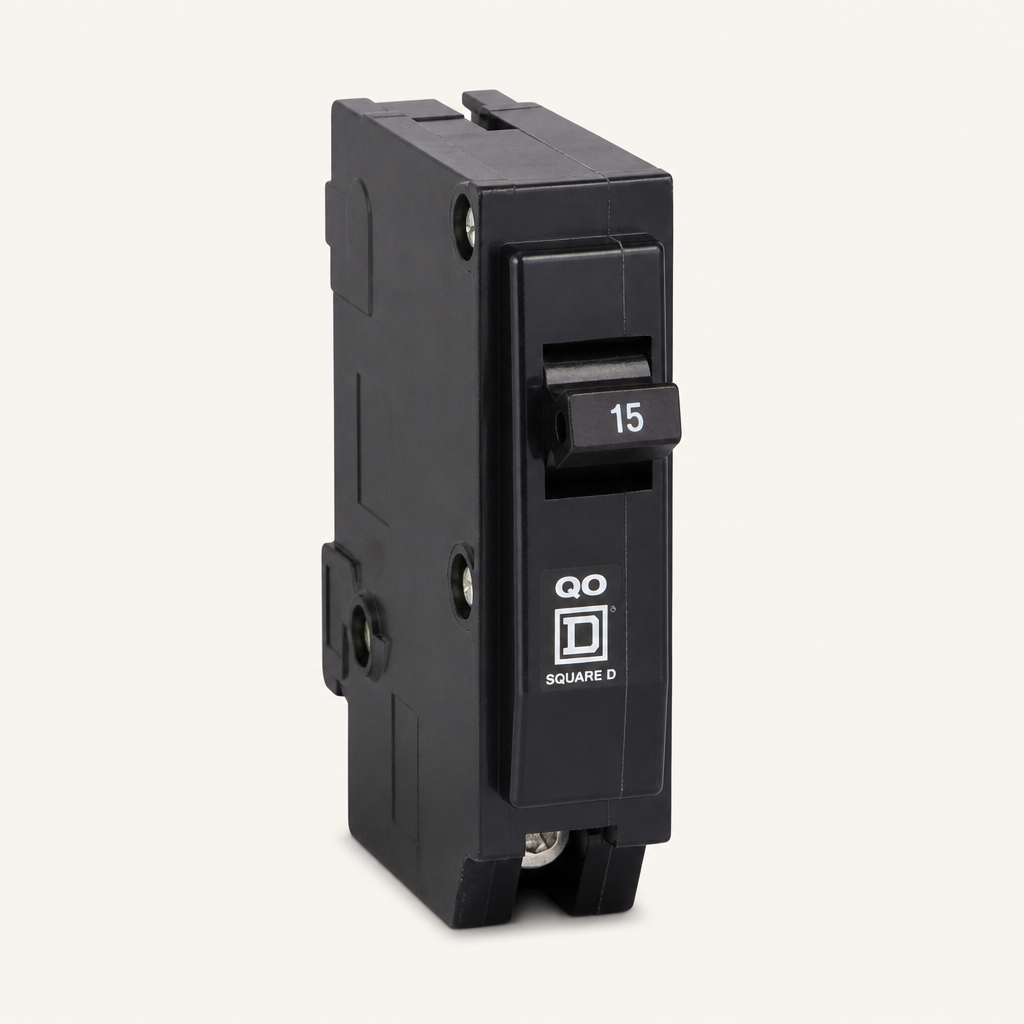
QO 15A 1-pole circuit breaker
Square D
The workspace after one import — classified products, ready to export.
Why
Abbreviations, no photos, no catalog path. That is what you upload — and what Comersly has to fix.
What you upload
A messy supplier spreadsheet
Abbreviations, blanks, and no storefront fields. This cannot go live.
| Mfg_Part | E1_Brand | Part_Manuf |
|---|---|---|
| QO120 | SQD | SQUARE D |
| QO115 | ??? | SCHNEIDR |
| QO120CAFIC | SQD | — |
| 5SJ4106 | SIEM | SIEMNS |
What you get
A commerce-ready catalog
Real brand, manufacturer photo, and Dept / Class / Fine on the same row.
QO 20A 1-pole circuit breaker
Square D · QO120
Electrical > Circuit Protection > Miniature Circuit Breakers
Brand
SQD, SCHNEIDR
Square D, Schneider Electric
Photo
Blank cell
Manufacturer image attached
Path
No Dept / Class / Fine
Classpath written for the storefront
Interpret
SQD is what the supplier typed. Square D is what a catalog can sell. Comersly writes the second without editing the first.
Supplier cell
E1_Brand
SQD
brand
Square D
QO 20A 1-pole circuit breaker
Square D · QO120
How
The full import — every messy row, not one product. Watch a file become a commerce-ready catalog.
Spreadsheet
Drop CSV or XLSX
You drop the messy spreadsheet.
CSV or XLSX — the file a supplier actually sends. Nothing is cleaned yet.
Classify
Dept, Class, and Fine are written from the manufacturer page — not from SQD or SCHNEIDR.
| Mfg_Part | E1_Brand | Part_Manuf |
|---|---|---|
| QO120 | SQD | SQUARE D |
| QO115 | ??? | SCHNEIDR |
| QO120CAFIC | SQD | — |
| 5SJ4106 | SIEM | SIEMNS |
Row 1 — not a product yet
QO120 · SQD
Dept, Class, Fine empty
The spreadsheet has a part number — not a product.
QO120 and SQD. No photo. No Dept, Class, or Fine. A storefront cannot use this row.
Verify
Comersly opens the source, reads the name and photo, then scores confidence. Guesswork stays out of Dept, Class, and Fine.
Square D
QO 20A 1-pole circuit breaker
Schneider Electric · QO120
Review
A person only opens rows that need a look. The rest of the catalog is already named, pathed, and photographed.
QO 20A 1-pole
Square D · QO120
QO 20A combination AFCI
Square D · QO120CAFIC
Pipeline
Interpret, classify, write copy, then attach the manufacturer photo.
Uploaded
40 of 40100%
Interpreted
0 of 400%
Classified
0 of 400%
Enriched
0 of 400%
Normalized
0 of 400%
Content
0 of 400%
Assets
0 of 400%
Uploaded
The supplier file is stored. Rows are not products yet.
QO 20A 1-pole · Square D
Catalog
Name, brand, photo, and path on every product — ready to review or export.
Product record
QO 20A 1-pole circuit breaker
Square D · Schneider Electric · QO120
Electrical > Circuit Protection > Miniature Circuit Breakers
This used to be a spreadsheet row. It is now a catalog item with a photo and a path.
QO 20A 1-pole circuit breaker
Square D · QO120
QO 20A combination AFCI
Square D · QO120CAFIC
5SJ 6A miniature circuit breaker
Siemens · 5SJ4106-7HG41
QO 15A 1-pole circuit breaker
Square D · QO115
Export
CSV or XLSX with classified columns. The supplier sheet stays raw.
Catalog
48 products ready to deliver
QO120
QO120CAFIC
5SJ4106-7HG41
QO115
Delivery file
One click · CSV or XLSX
delivery.csv
delivery.xlsx
Columns written into the export
Who
Distributors, catalog editors, and PIM owners drop a sheet and get products they can export.
Spreadsheet
Drop CSV or XLSX
Drop the messy file
CSV or XLSX from a supplier
Open the catalog
Photos, brands, and paths
delivery.csv
delivery.xlsx
Download the export
Commerce-ready CSV or XLSX